gitdump: give people access to your code ;-)
I just learned about these tools today... yeap, that should have happened sooner!
Turns out that there is a set of tools out there that can connect to an online .git directory and download the whole history and code from there. So, if you are like me and do all your code installs using git in order to:
- easily update
- easily see the changes made in production
- debug with a complete backup plan
- see what has changed when you get hacked
- ...
then you are putting online, available by accessing your site, the .git directory for each install you do.
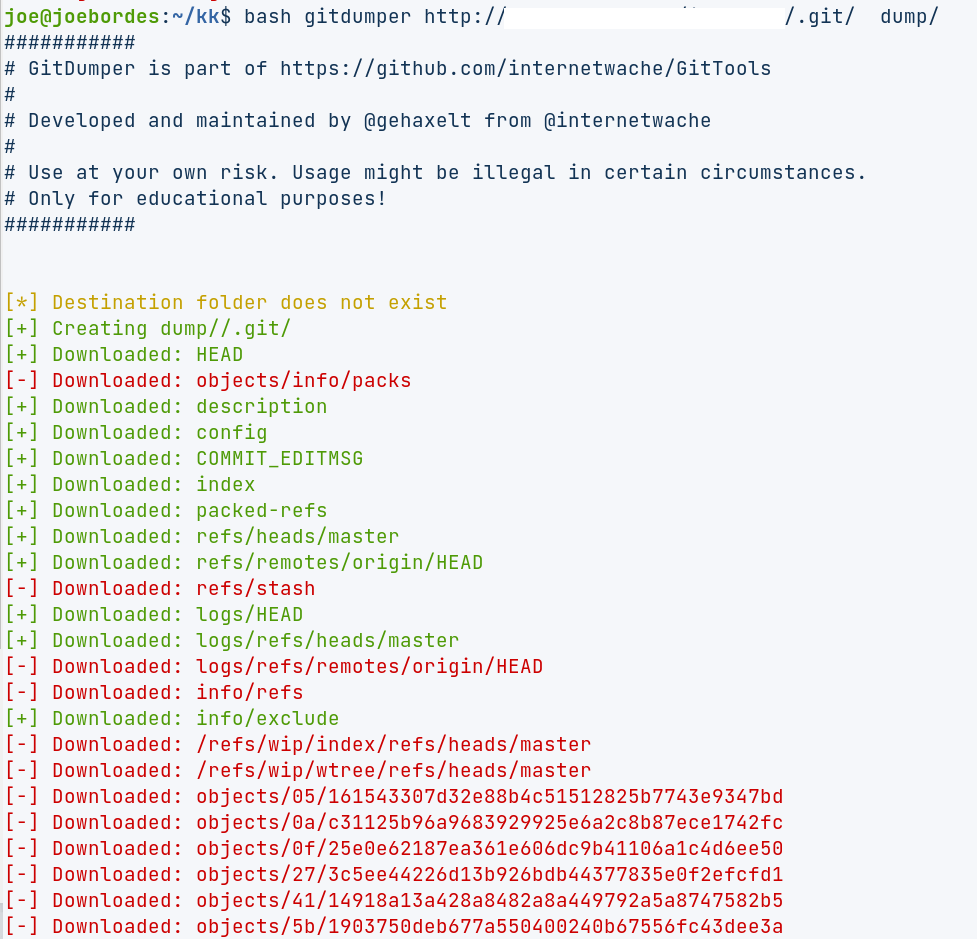
The gitdumper tools can read the .git directory and download all the objects that are there to a local computer. With that, the person who downloaded the repository can recover the code and all the history of the development of that install. Useful!
I decided to give it a try on one of our many coreBOS installs and immediately received a 403 error. I connected to the server and saw that our company procedures configure our web server with a set of default files and directories that are not accessible. The .git directory is one of them. That was nice :-) !!
I reconfigured the web server to permit access to the directory and tried again. That looked rather lacking:
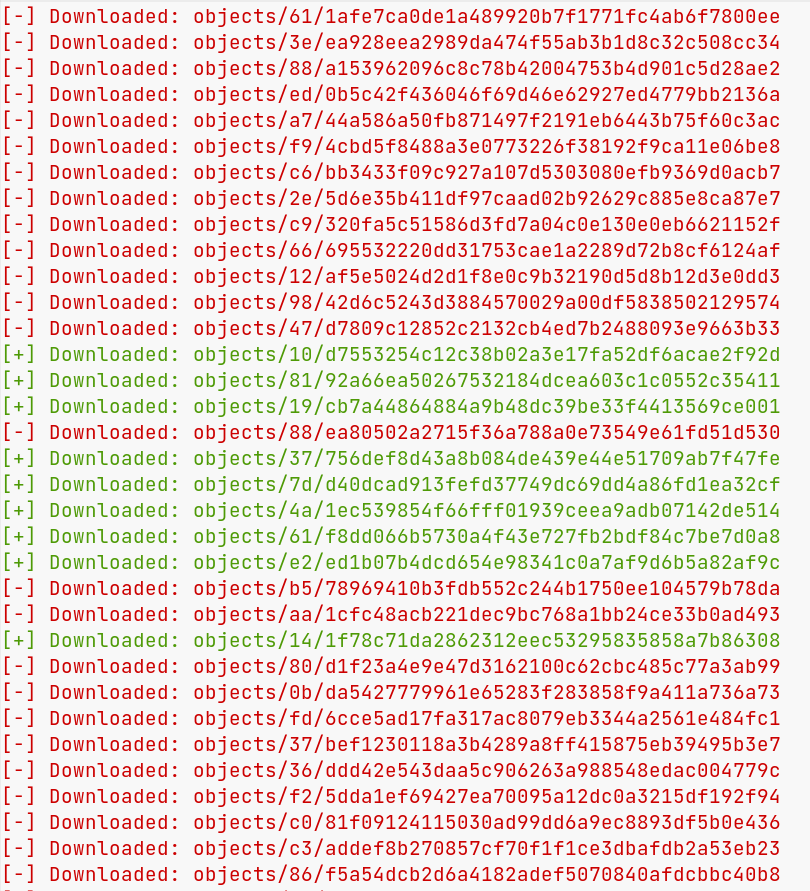
As you can see, luckily, it failed to download more files than it managed to get correctly. I tried with two different tools and the results were similar. That said, they both downloaded enough information to retrieve directory structure, some code, and a lot of commit history.
Then, after restoring the access restriction on the server (in case you were wondering), I tried the tools against my localhost development install. Here the results were significantly different being able to download most of the files correctly. Scary if you consider that both tools I tried are marked as educational. Imagine what the real ones can do!
Finally, I share with you the configuration setting we have in our /etc/apache2/conf-enabled directory. Among other entries we have this one that did the magic for this case:
RedirectMatch 403 /\.(svn|git|hg|env)(/|$)
The two tools I tried:
HTH
Joe
Photo by Kyle Glenn on Unsplash
Comments
Join the discussionNo comments yet. Be the first to comment.